


Security centralizes the settings that keep your account protected.
Open Security
First, follow these steps:
Click the Settings icon in the sidebar.
Select Security.
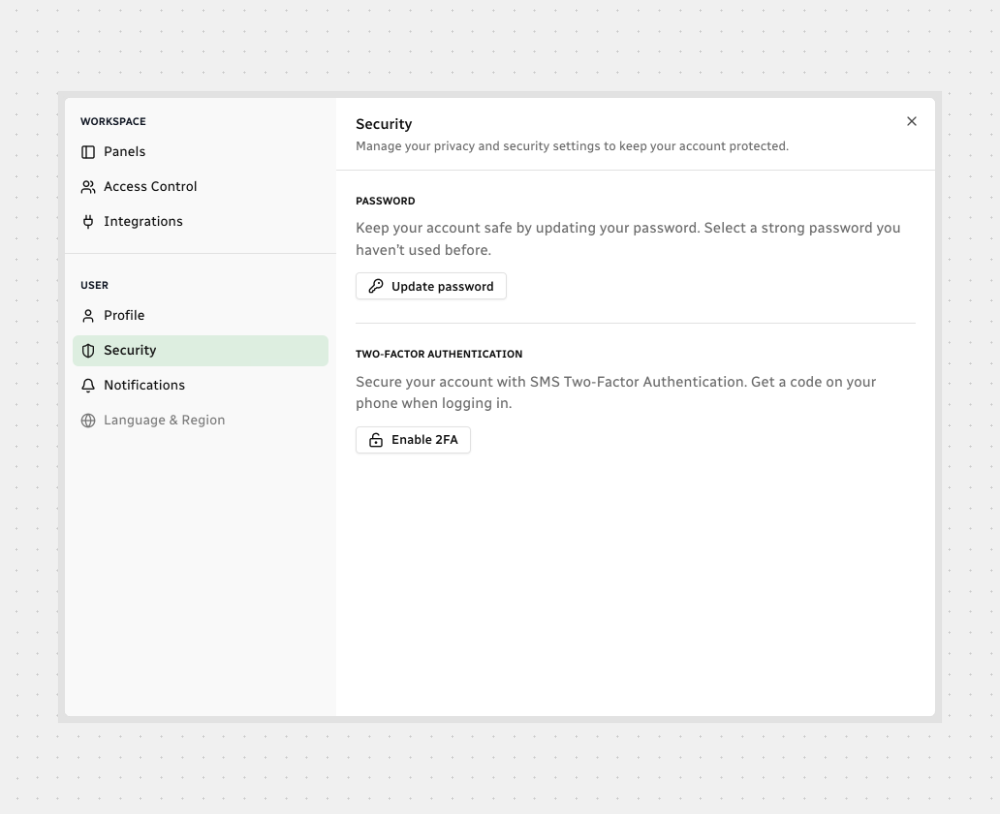
Controls You’ll Find Here
For full setup steps, see How to Update Your Password and How to Enable Two-Factor Authentication.
Nice! You're all set.



.svg)