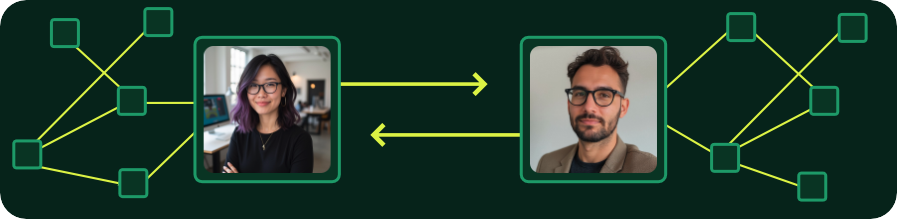

Every job gets its own workspace. Every candidate gets their own channel. Every conversation stays tied to the right stage. Nothing falls through the cracks, even when the hiring manager goes quiet. Avoid long, costly vacancies.

The main panel surfaces every active role, the team assigned to it, and the conversations in progress. It prioritizes what’s moving so recruiters spend less time digging.

Active roles surface automatically. Browse or search every job without scrolling through closed requisitions.

See exactly who’s working on each role: recruiter, coordinator, hiring manager. No need to check the ATS.

Create channels for job intake, sourcing strategy or recruitment marketing, and any other conversation that needs a permanent home for the life of the role.
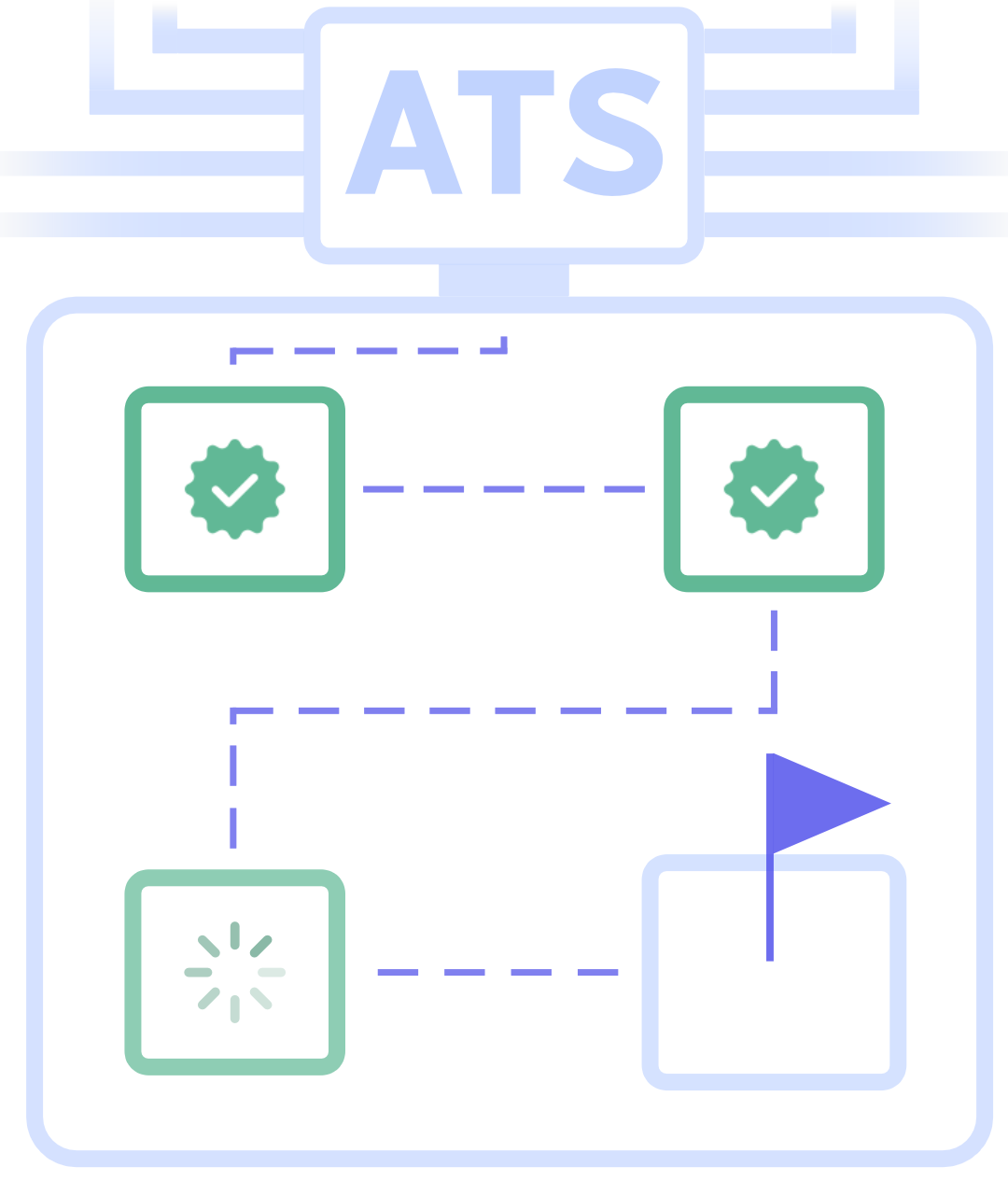
When a candidate advances in the ATS, a new channel opens for that stage automatically. The conversation follows the process with no manual setup, no context lost between stages.
Star channels to quickly access the discussions that matter most.

Conversations, pinned updates, and shared files stay organized in one place so teams can quickly reference important hiring discussions.
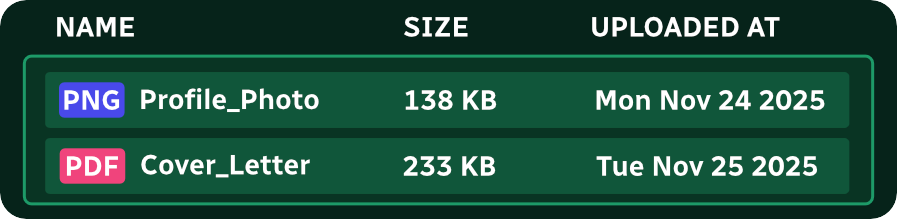
Search across all jobs, channels, and conversations. Or, narrow results within a specific channel to quickly find hiring discussions.

Catch up on a long thread without reading every message. Get a quick read on a resume without leaving the workspace. Admins choose the AI model. No decisions made without their input.

See where every active role stands. Filter by stage or status, identify what’s stalled, and take action from one view instead of clicking through individual channels.
The setup wizard guides admins through connecting their ATS and selecting what to sync (employees, jobs, candidates, and stages). No IT support, implementation partner, or connector fees required.

Manage who has access, set retention periods, export conversation records, and define how collaboration works across the hiring process. Security-forward by default.
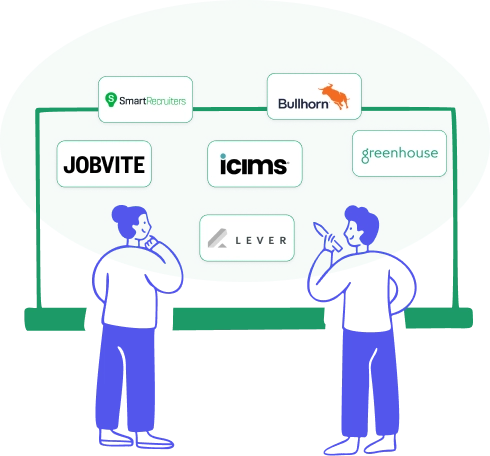
Configure notifications, language, timezone, two-factor authentication, and optional integrations like Slack or Teams while supporting multiple workspaces across ATS connections.

Easy to integrate; no IT team required

User-friendly interface

Access at your desk or on the go

White glove, domestic customer service w/after-hours support
.svg)
Secure + compliant

Premium sandbox environment for free