


Ready to jump back in? Here’s how to access your Sync2Hire account — quick and easy.
Sign In Normally
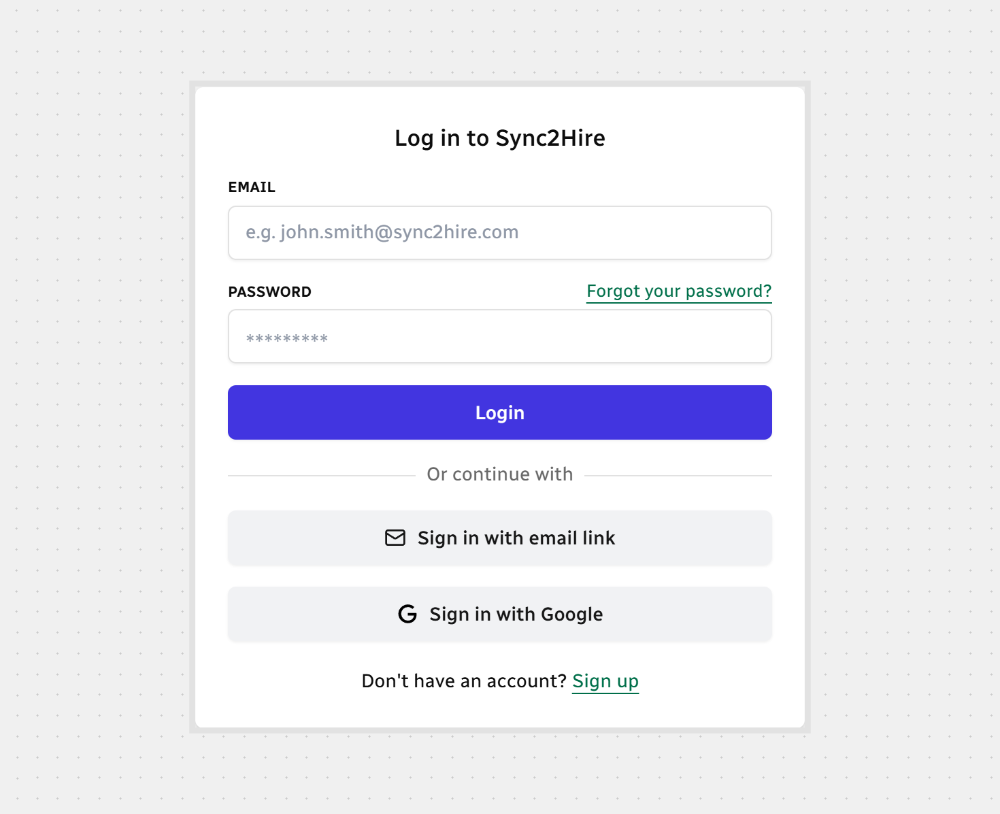
Head to the Login screen
Enter your Email (should look like name@example.com)
Type your Password (at least 8 characters, including letters and numbers)
Hit Sign in
You can also:
Sign In Using an Email Link
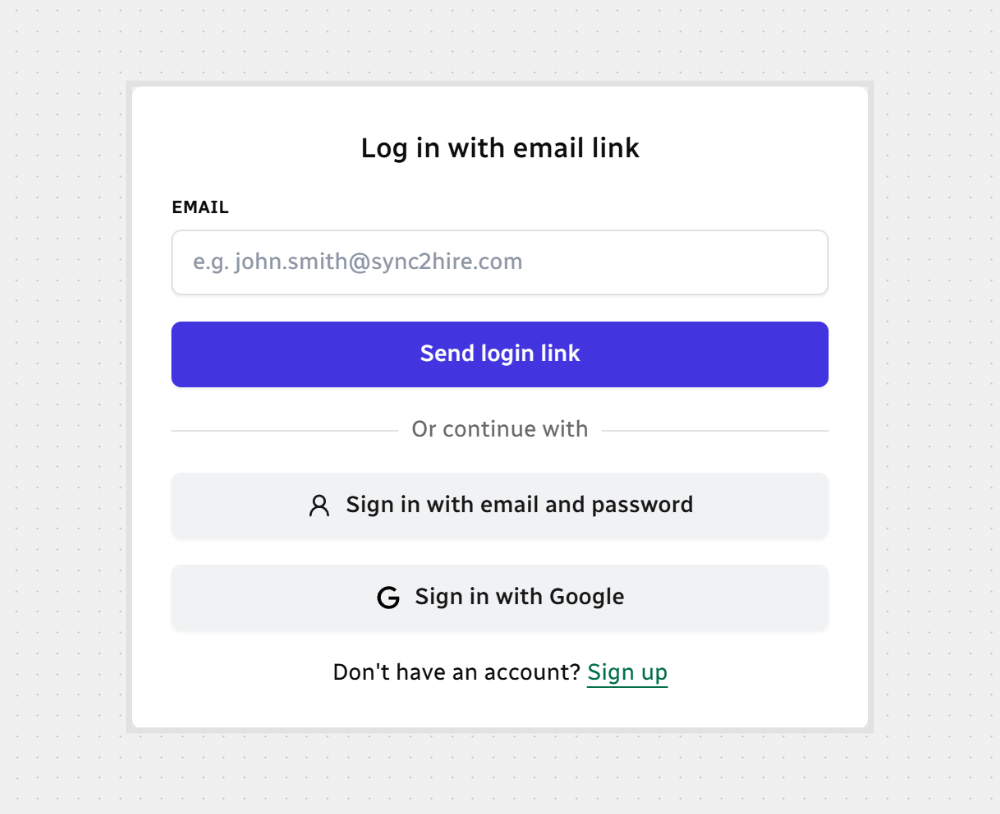

Note: The link is one-time use and only works for a short time. Open it soon after receiving it.
That’s it — you’re in!



.svg)