


Stay updated the way you want. You can manage when and how Sync2Hire notifies you — whether you're at your desk or away from it.
General Notification Settings
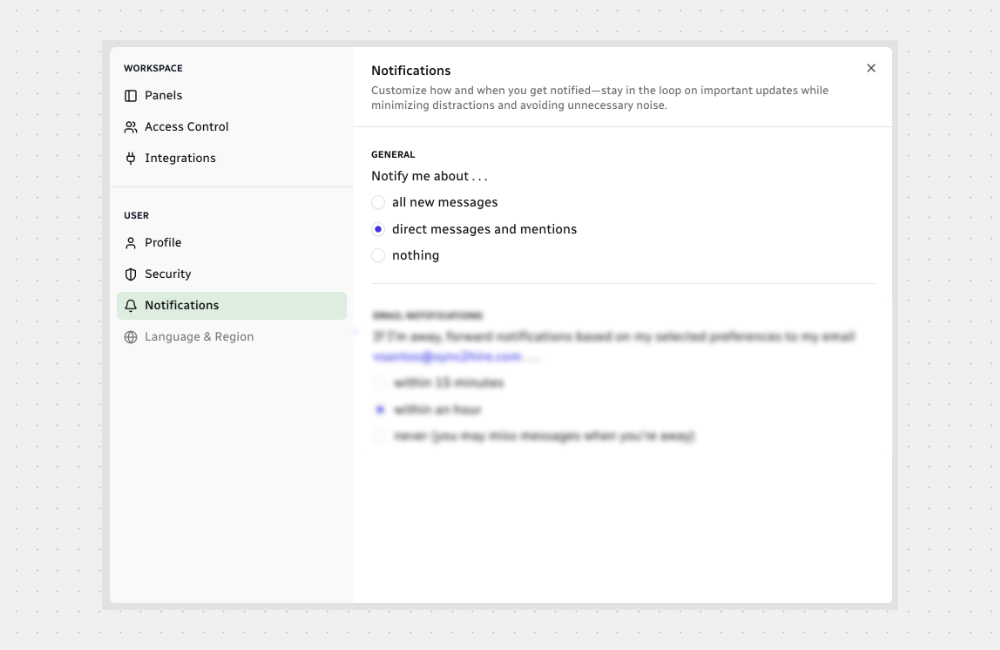
You decide how much activity you want to be notified about:
Email Notifications
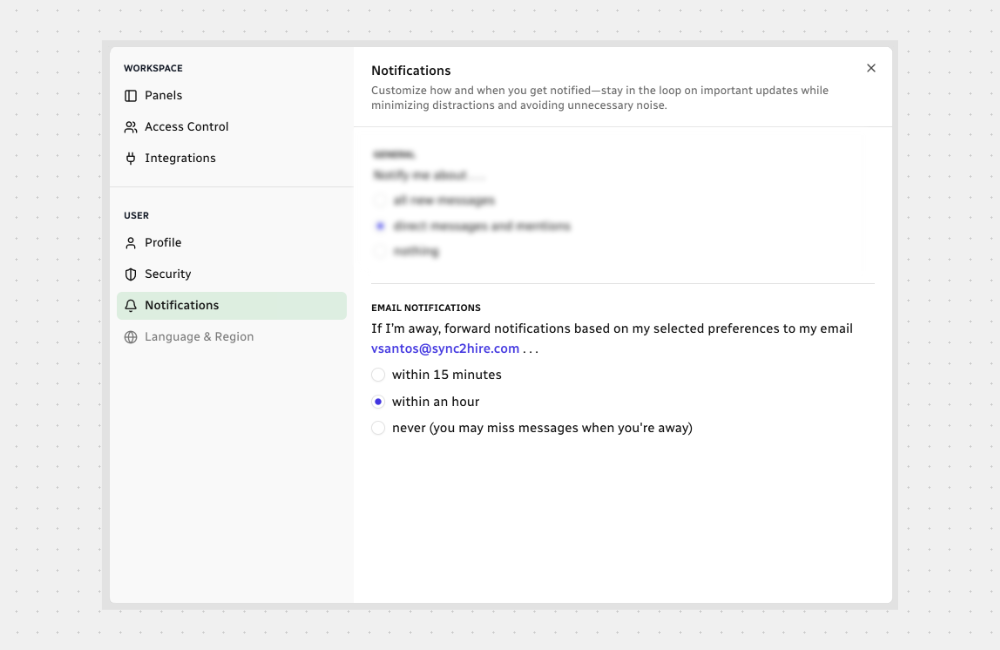
When you're away, Sync2Hire can send alerts to your email so you don’t miss anything important.
Choose when emails should be sent:
Channel-Level Settings
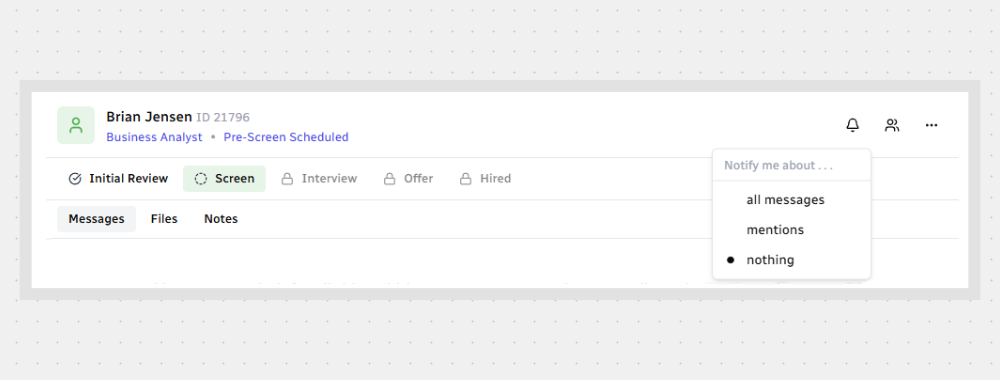
Sometimes, you don’t want alerts from every channel.
You can mute certain ones — like general hiring boards — and keep notifications on for more important ones, like candidate assessments.
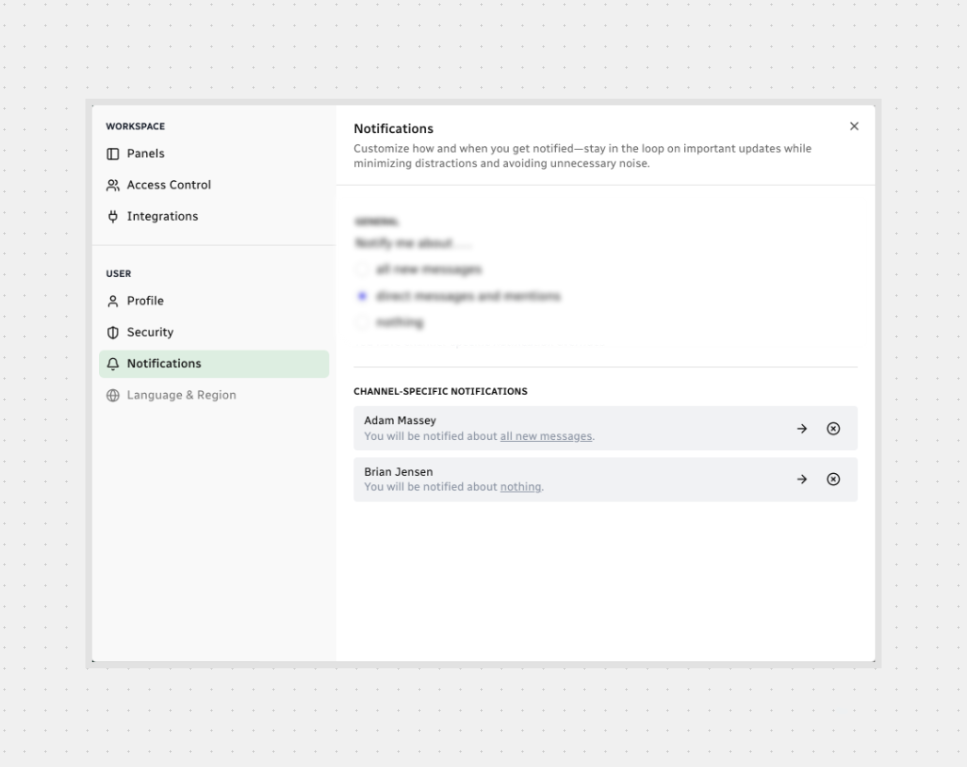
You’ll find these custom settings inside your notification preferences. And yes — you can remove them anytime.
That’s it. Set your preferences once and stay focused without missing what matters.



.svg)