


Search your whole workspace in one place — channels, messages, and employees.
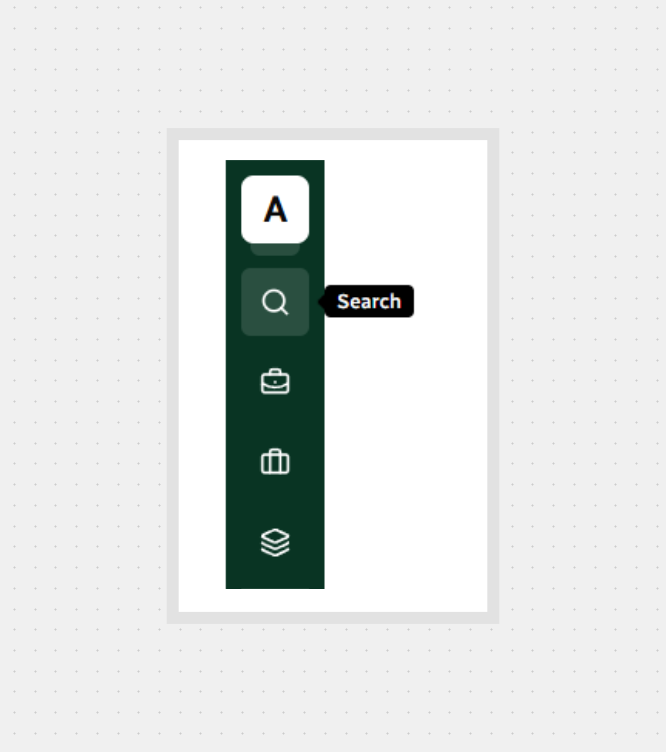
Open Global Search
Click the Search icon in the sidebar.
Type your query in the Search field.
Use Previous / Next at the bottom to move through pages of results.
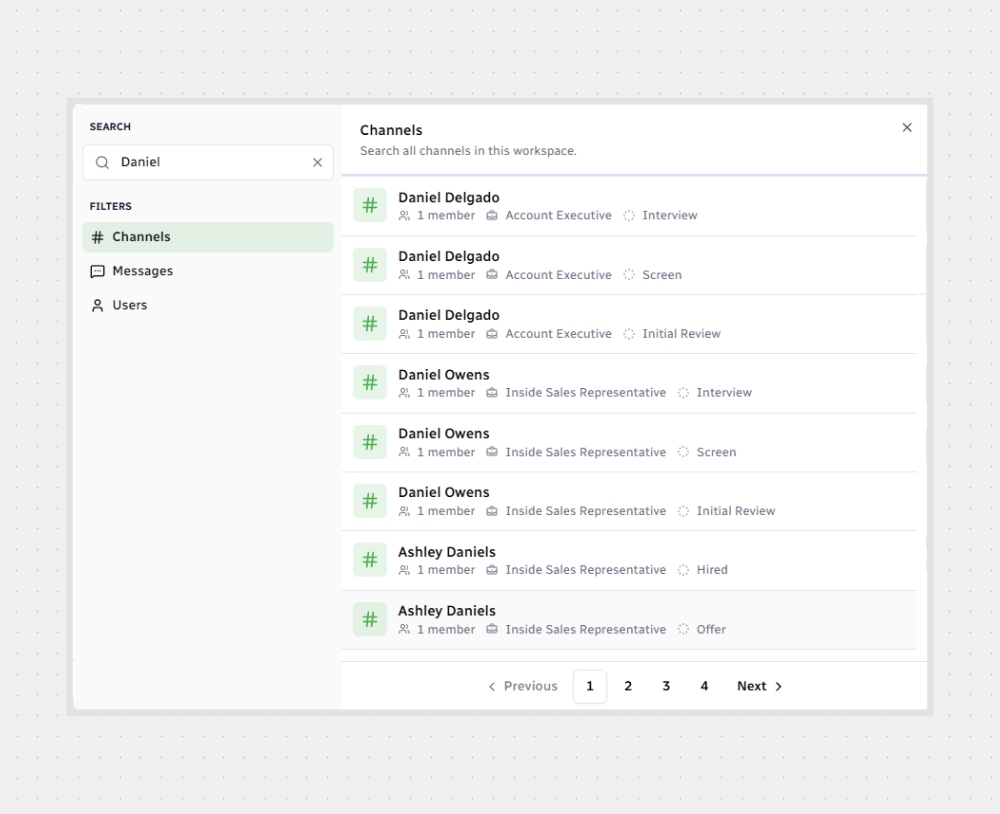
Channels
Shows channels that match your query across the workspace.
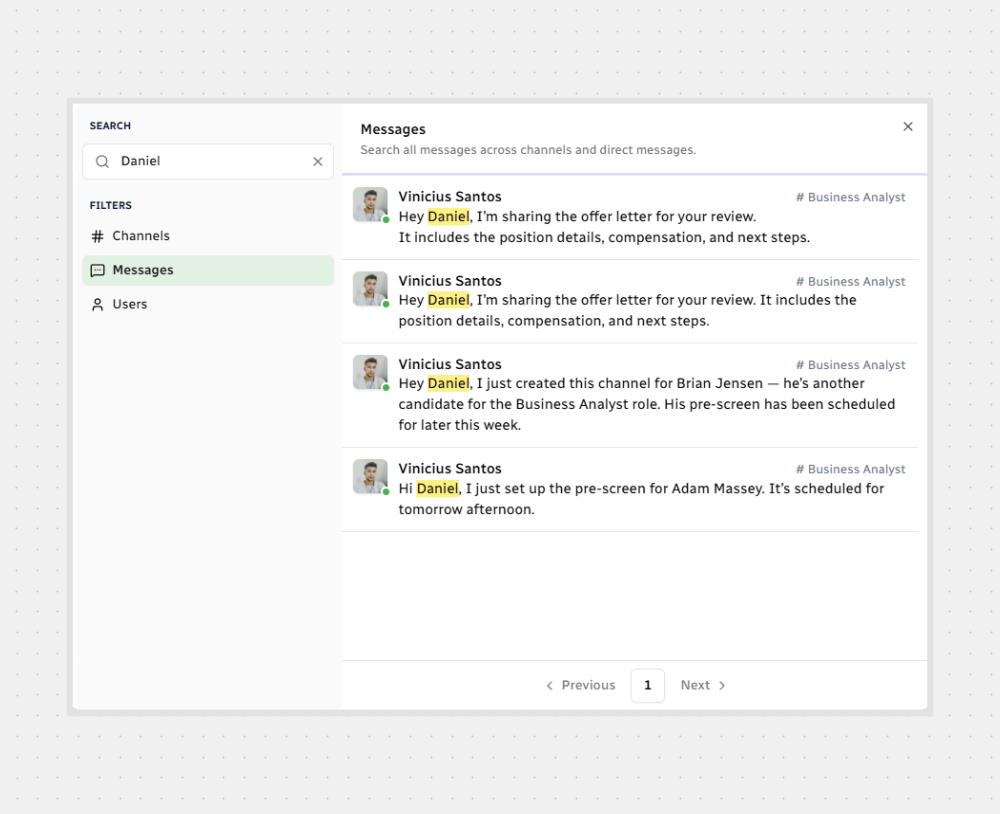
Messages
Finds messages across channels and direct messages.
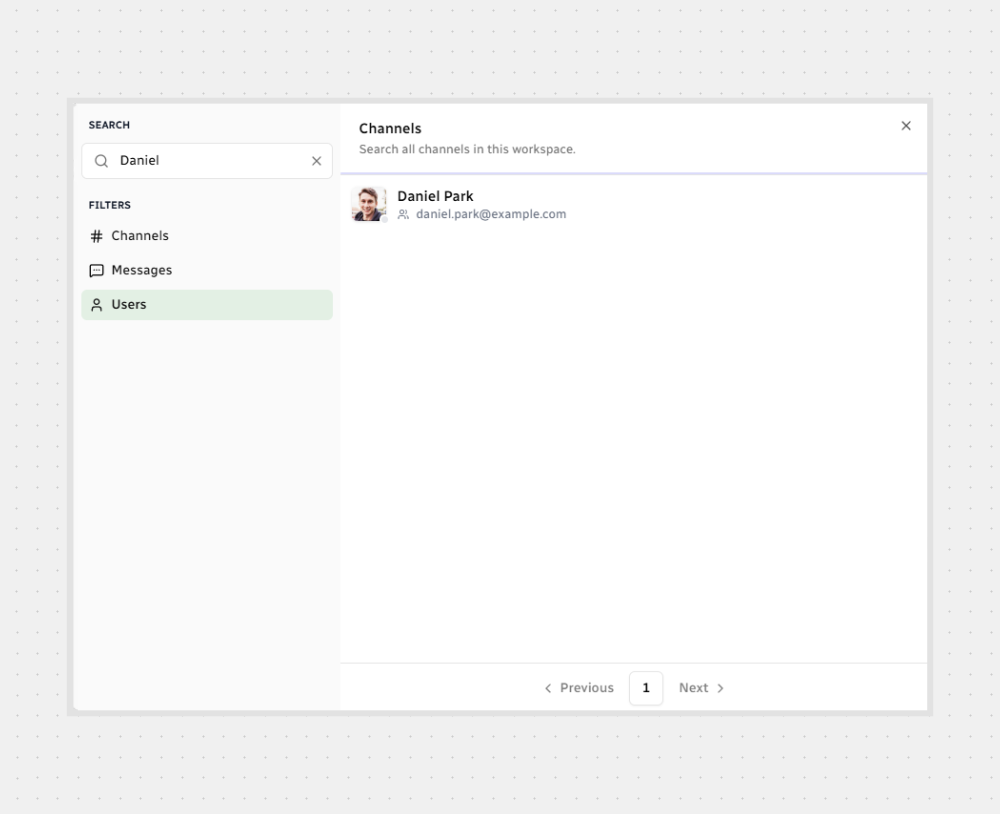
Users
Looks up employees only — not candidates.
All set — start a search and jump straight to what you need.



.svg)