


Keep your personal details accurate so teammates can reach you easily.
Open Profile
First, follow these steps:
Click the Settings icon in the sidebar.
Select Profile.
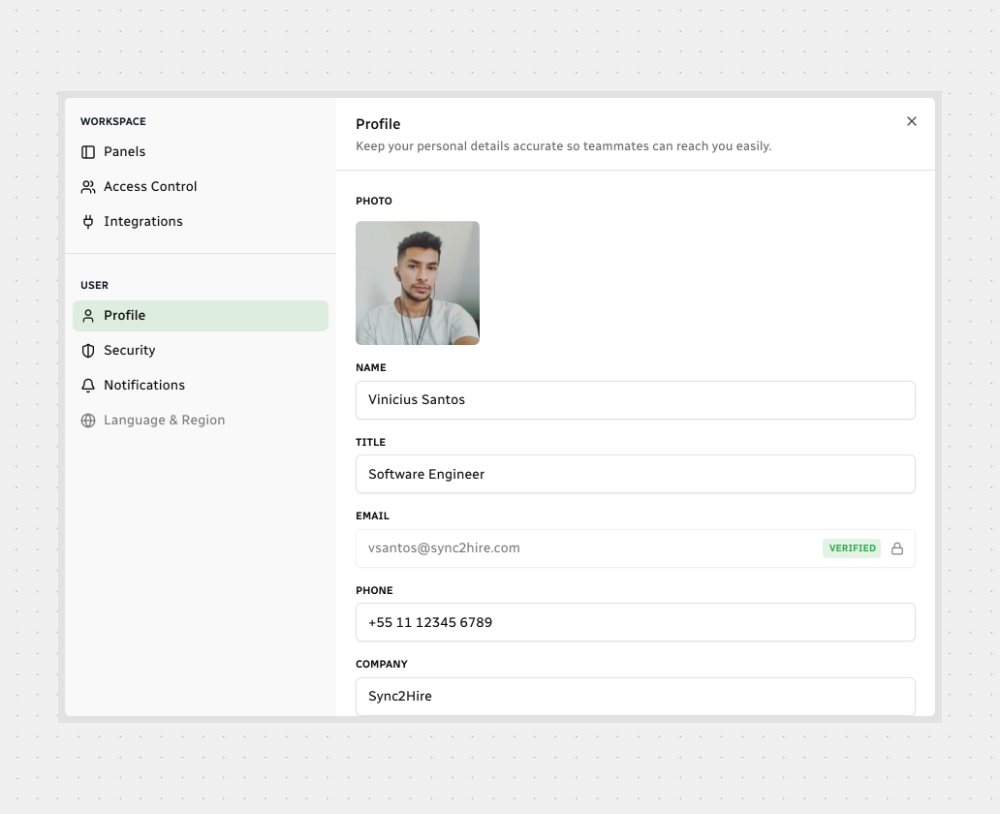
Change Your Photo
Click your profile photo.
Choose an image from your device.
Click Save.
Update Your Info
Edit the fields you need:

The VERIFIED badge means your email address is confirmed and can receive notifications from Sync2Hire.
Save Your Changes
After you edit a field, a banner appears at the top showing “1 field updated.” (the number increases as you change more).
That’s it! Keep your profile up to date to make collaboration smoother.



.svg)