


Let’s get everything ready for your team.
Right After Creating Your Account
As soon as you finish signing up, you’ll land on the Connect your ATS screen.
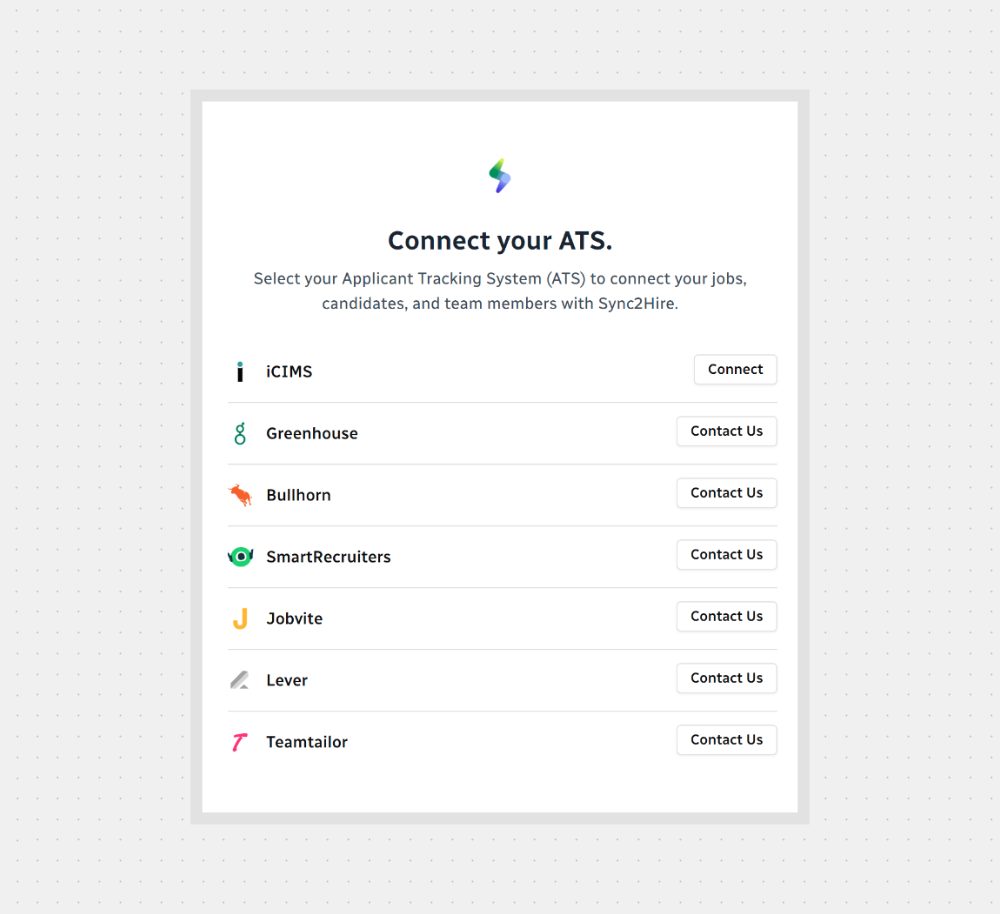
Pick your ATS from the list
Click Connect next to it
Follow the steps to link it (each one might ask for different info like a token or login)

Note: Don’t see your ATS? No problem — just reach out to us and we’ll help add it to our integration list.
Once you’re done, everything will be synced and ready to go!



.svg)