


You can keep track of every document, image, and file shared in your workspace.
View All Files
See everything that’s been uploaded across your workspace.
Click the Files icon in the left sidebar.
Filter using the tabs — All, Unread, Internal, External — to narrow down results.
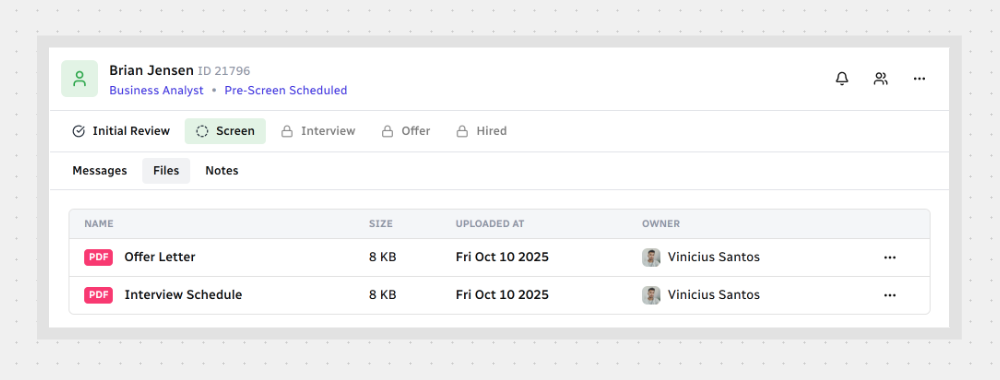
Browse the list to check file names, sizes, upload dates, and who uploaded them.
These filters give your team a little extra support when talking about sensitive topics.
View Files in a Channel
Find files tied to a specific conversation.
Open the channel you want.
Click the Files tab at the top.
Files are listed by upload date, so you can quickly find what you need.
Open and Manage a File
You can open a file in two ways:

Note: Some actions are only available to the file owner or those with special access.
That’s it — now you can explore, organize, and act on every file shared without missing a beat.



.svg)